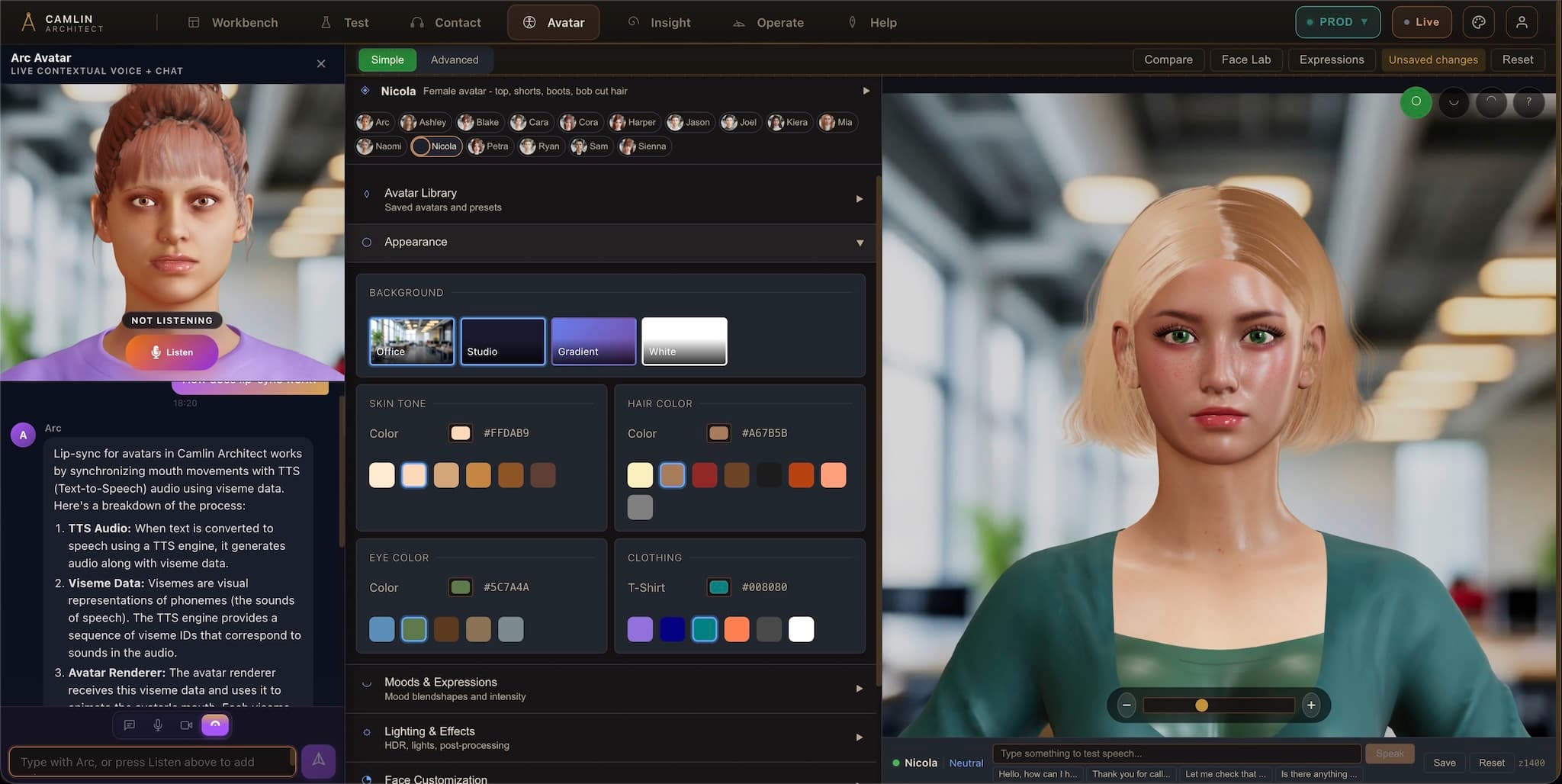
A live Avatar for your website or chatbotthat can even sync with a real voice call.
An avatar that speaks, listens, and syncs with live calls
Put Avatar in front of any model, RAG pipeline, copilot or API you already run.
Answers inbound calls, dials outbound calls and SMS, and opens a visual journey mid-call.
Mouth and expressions move with every word in real time, with natural barge-in.
Don’t book a demo. Call one.
Our avatar receptionist answers this number right now. Built on Camlin Connect, speaking with Camlin Speech, on our real phone line. No form, no calendar invite. Ring it and talk to the product.
Bring your own AI — or use ours
Put a face and voice over any AI, LLM or model you already have
You do not have to rebuild your AI to use Camlin Avatar. If you already have an LLM, a RAG knowledge pipeline, an internal copilot, a custom model or a backend agent, you can put Camlin Avatar straight in front of it and make it talk, listen and act across web, phone and SMS.
Any AI, LLM, RAG or agent
Connect the foundation model, retrieval pipeline, internal copilot, custom fine-tuned model or API workflow you already run. Keep your prompts, tools and guardrails.
52 ARKit blendshapes at 60 fps
Camlin turns streaming text into natural speech and frame-accurate facial animation in one pass, with natural pause detection and instant barge-in when the user speaks.
Inbound, outbound & two-way SMS
Give your AI a real phone number. Answer inbound calls, dial outbound calls, send and receive SMS, and open a live visual screen mid-call.
Web, mobile, kiosk or Architect
Drop the avatar into your own site or app via SDK and WebSocket/REST APIs, or run it inside Camlin Architect with full flow governance and human approval.
How the stack connects
Your LLM, RAG, agent or deterministic flow produces the reply → Camlin Speech & Avatar runtime streams audio, 52 ARKit blendshapes and turn-taking → Camlin Connect & Contact deliver it on web, inbound phone, outbound call, Visual IVR and SMS.
What makes Avatar different
Every channel, one conversation
Talk, answer phones, place outbound calls and send SMS
Most digital humans are stuck inside a web widget. Camlin Avatar is wired into a full telephony and messaging runtime — so your AI can answer inbound phone lines, dial outbound calls, send and receive SMS, and guide callers visually on screen.
Inbound telephony & Visual IVR
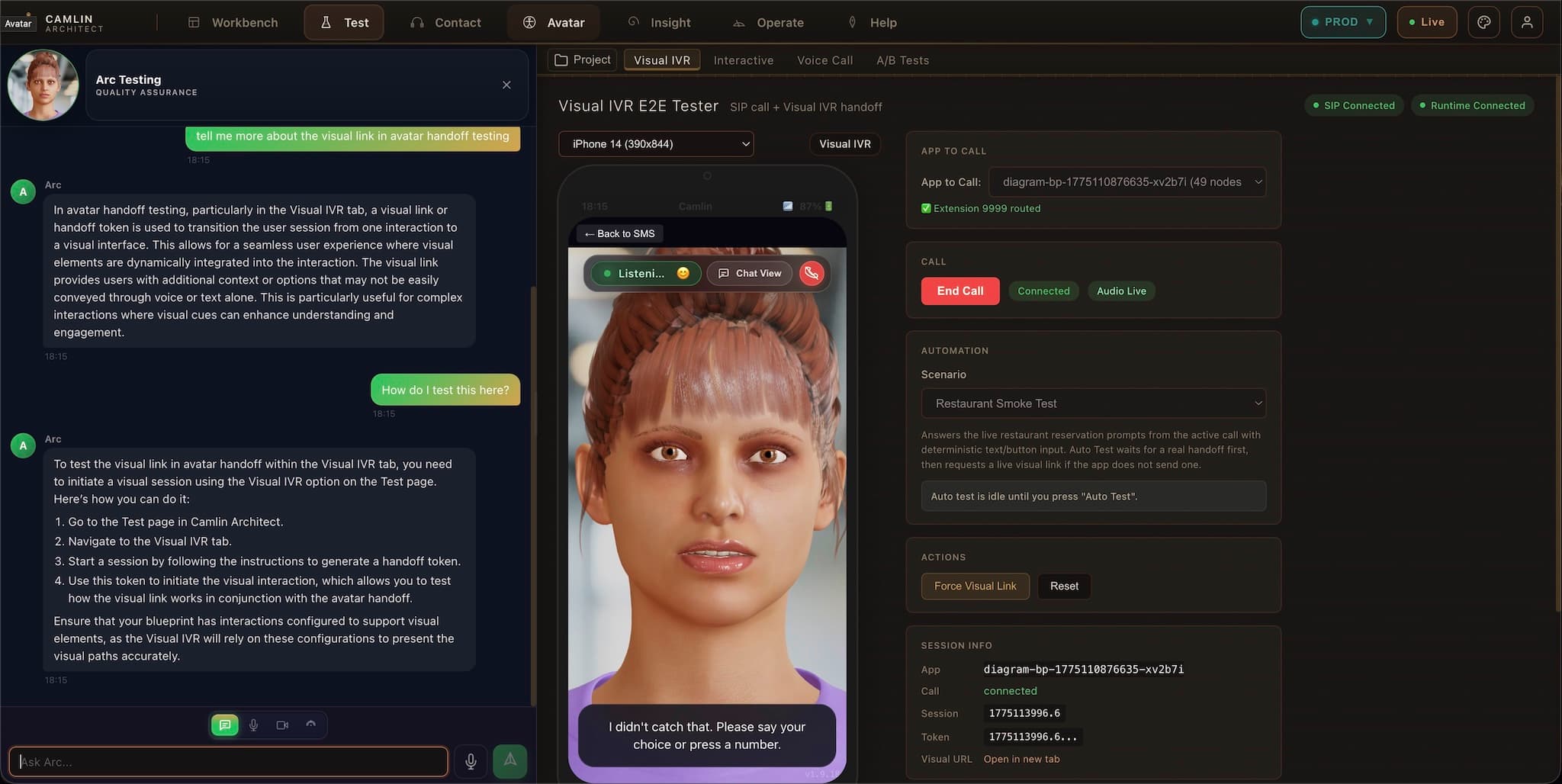
Answer phone calls and bring the avatar onto the caller’s screen
Your AI answers inbound calls on open SIP trunks. When the caller needs to see choices, fill a form or check an address, an SMS link opens the live 3D avatar on their phone — lip-synced to the voice call.
- Answers inbound calls immediately with natural turn-taking and barge-in
- Sends a live Visual IVR link to the caller’s mobile mid-conversation
- Voice and on-screen avatar stay synchronized on the exact same step
Proactive outbound voice & SMS
Place outbound calls and outbound SMS from your workflows
Do not wait for customers to ring. Trigger automated outbound phone calls and SMS from your booking system, CRM, schedule or API — backed by the same avatar persona and service logic.
- Automated outbound calls for reminders, callbacks, dispatch updates and alerts
- Outbound SMS with optional one-tap link into a live avatar visual session
- Handles spoken or texted replies (confirm, reschedule, escalate) in real time
Two-way SMS & web chat continuity
Keep one conversation thread across voice, text and web
A conversation that starts on the phone or in a web avatar session can continue over two-way SMS without losing context, reference numbers or captured answers.
- Automatic post-call SMS summaries, booking confirmations and next-step links
- Two-way SMS replies routed back into the same governed conversation state
- Seamless switching between spoken voice, text chat and on-screen taps
Visual cards, VoiceID & live handoff
Show interactive UI while speaking — and hand off to a human when needed
While the avatar speaks, it presents structured cards, forms, maps and verification steps beside it. When a person is needed, the call transfers cleanly with full context.
- On-screen forms, date pickers, checklists and guided choices beside the avatar
- Optional in-call voice verification with consent-first Camlin VoiceID
- Warm handoff to a human agent in Camlin Contact with full transcript and state
Six ways teams put Camlin Avatar to work
24/7 Website Front Desk & Sales Concierge
Greet visitors on your public website, answer product and pricing questions strictly from your approved pages, qualify enquiries, book walkthroughs, and answer your main phone line after hours.
- Grounded in your own website and approved documentation
- Answers both web visitors and inbound phone callers
- Go live in minutes with Camlin Companion (one script tag)
Phone-to-Screen Customer Service (Visual IVR)
Replace frustrating keypad trees with a guided voice + visual journey. Callers tap an SMS link to see the avatar speaking in sync with the call while completing bookings, claims, ID checks or fault triage on screen.
- 3D avatar lip-synced to the live phone call
- Structured forms, address lookups and selections on screen
- Warm transfer to a contact-center agent with captured data intact
Accessible & Care Services
Give people patient, repeatable visual and spoken guidance across phone, web and mobile. Shaped by our experience building and running Wheelchair Book & Ride with SCIA for Transport for NSW.
- Works by voice alone, screen reader or visual touch on mobile and web
- Unhurried pacing with clear visual and spoken confirmation at every step
- Proven in daily accessible transport booking operations in Sydney
Proactive Outbound Calls & SMS Follow-up
Trigger automated outbound phone calls and SMS from your scheduling, dispatch or billing systems. Confirm appointments, notify passengers of arrival times, run outage callbacks or collect updates without tying up staff.
- API- or schedule-triggered outbound calls and SMS notifications
- Optional Visual IVR link so recipients can view details or reschedule on screen
- Two-way SMS replies handled automatically in the same workflow
Internal Enterprise Copilot, Onboarding & Training
Put a talking digital human over your internal enterprise LLM, knowledge base, IT/HR helpdesk or training scenarios so staff can talk through procedures or practice customer conversations.
- Wraps your existing internal LLM, RAG pipeline or service-desk API
- Interactive voice role-play and onboarding simulations for staff
- Deploys as SaaS, dedicated cloud, or inside air-gapped environments
Interactive Kiosks, Portals & Custom Apps
Embed Camlin Avatar directly inside a logged-in customer portal, mobile app or physical check-in kiosk. The avatar sees the current screen state, guides the user through complex forms, and triggers backend actions.
- Drop-in React component (<AvatarEmbed>) and WebSocket/REST APIs
- Context-aware guidance that knows which step or field the user is on
- Custom personas, Australian voices and configurable camera framing
Powered by Camlin Voice
Frame-accurate lip-sync, generated end to end by Camlin
The lip-sync track comes out of the same text-to-speech call as the audio, from Camlin Speech, in the same data center as everything else.
One platform
Camlin Connect runs the whole service
One approved service definition, live on voice, chat, SMS, avatar and web. Runs as shared SaaS, dedicated cloud, or on your own infrastructure, air-gapped included.
Deployment and architecture →The avatar model library

Warm and approachable, for customer-facing service journeys.

Precise and methodical, for verification and data capture.
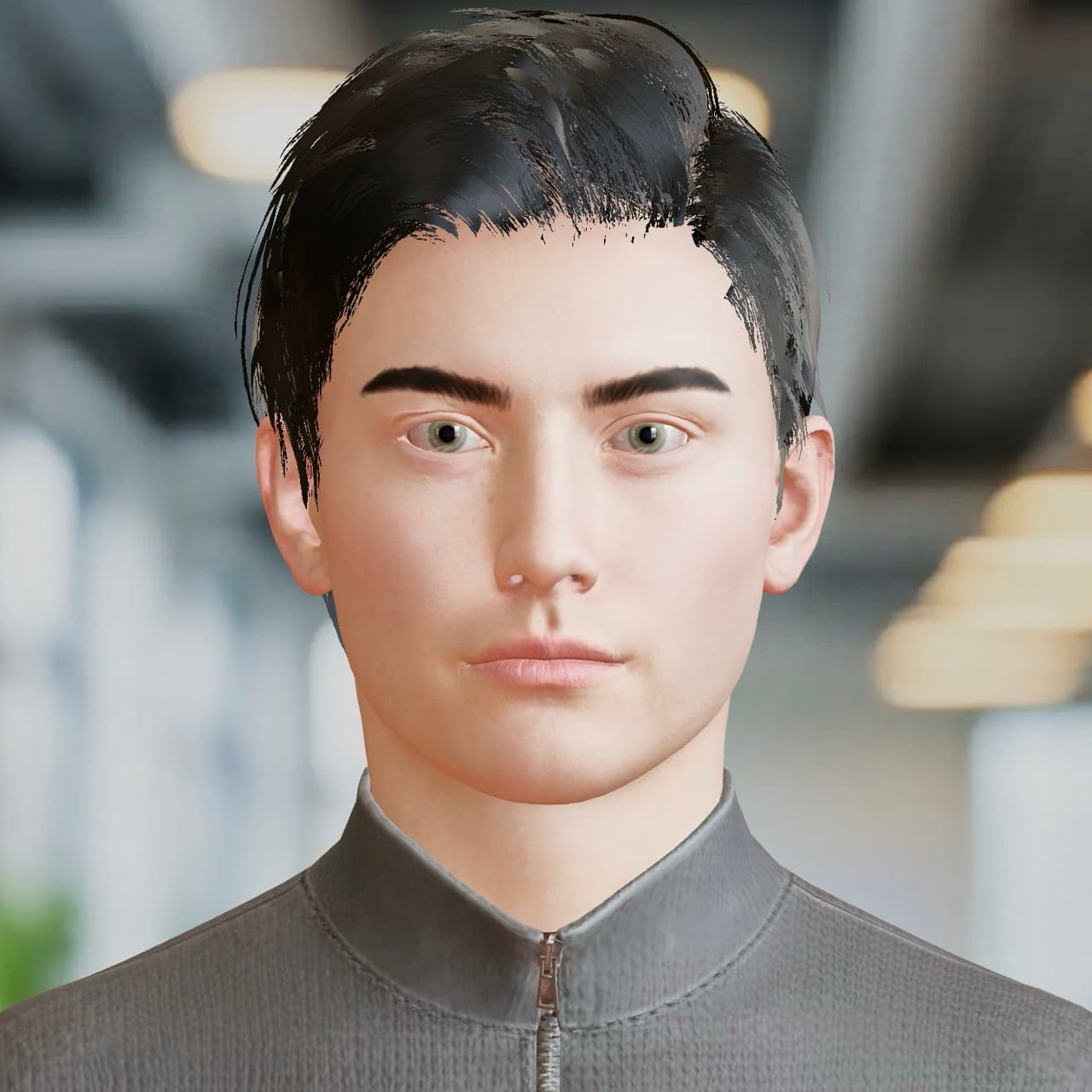
Confident and structured, for technical walkthroughs and review meetings.
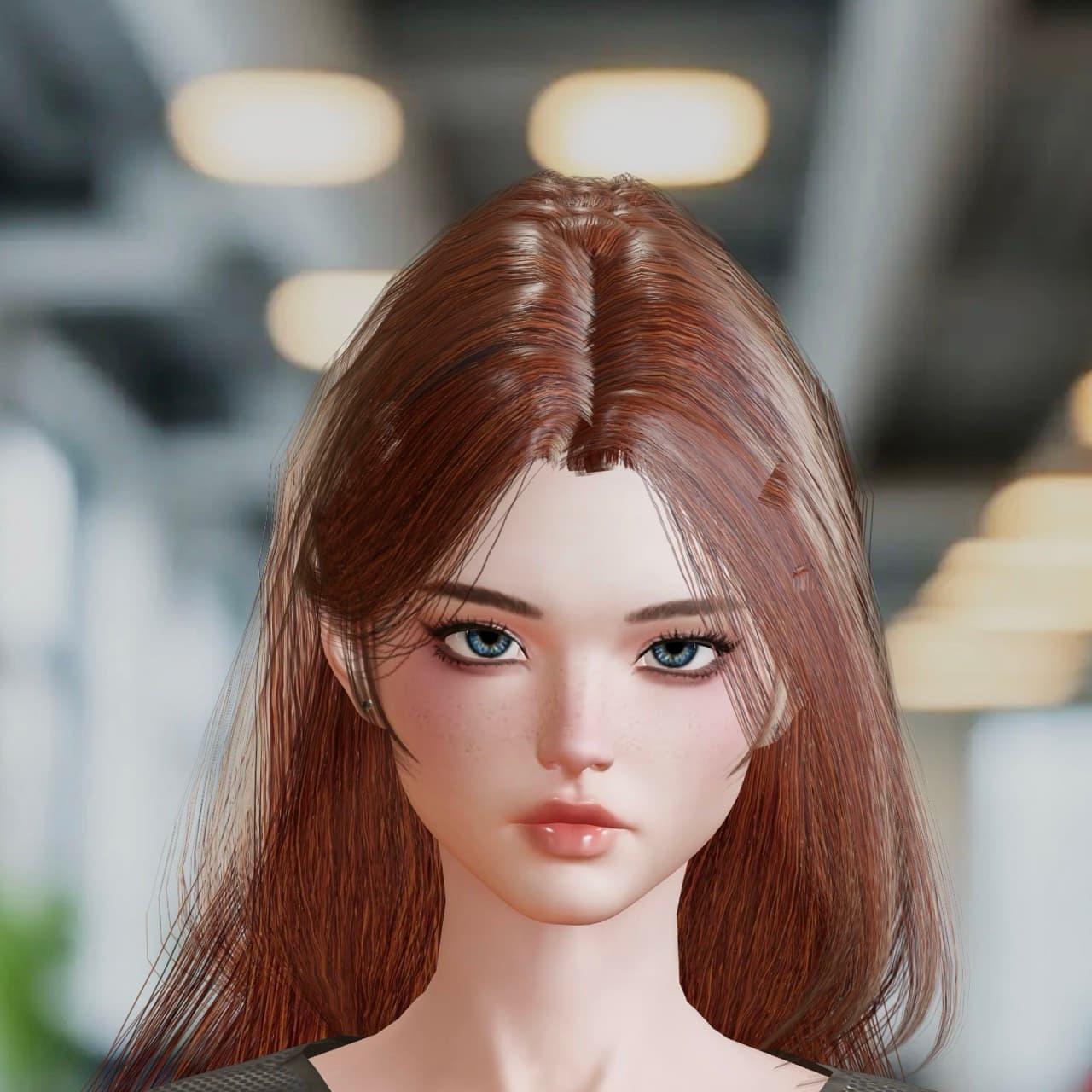
Expressive delivery and natural pacing, for voice-forward experiences.
You've already met it. Talk to it.
Camlin Create is in full release: the same avatar makes a game, a page, a 3D model or a Camlin Connect assistant while you talk to it. First month free, with no card required.
Start your free month →